How To Change The Toggle Icon In Divi and Extra By Changing The Default Unicode
Toggle is one of the useful module in Divi for frequently asked content and other informative writeups but sometimes, the default (+plus) icon messed up your design. In this guide, I will walk you through how to change that according to your preferred taste
So there’s two options to do that:
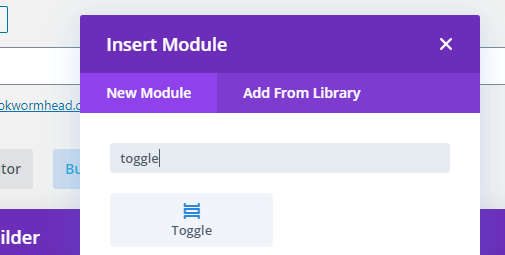
1.If you don’t have a toggle yet then simply insert a toggle module by clicking the grey(+) icon then search the module itself “toggle”. Otherwise, you can skip the process.
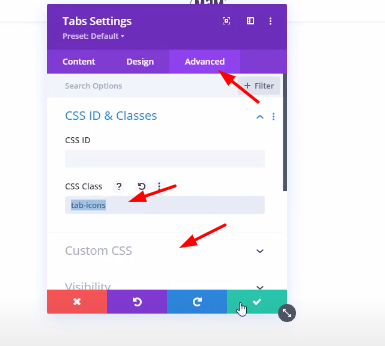
1.Open the Toggle Module > Go to Advanced Tab > add the class called “tab-icons” then go to Custom CSS > Look for Toggle icon section.
Note: Prepare your 30px by 30px image. You can add the code either in “before” or “after” css.
Lastly, Go to Divi > Theme Options > Custom CSS and add the following code